Breeze
A teeny switch in your Mac's menu bar that keeps distractions out until you're done.
Buy Breeze $2.99Calm on the outside.
Strict where it counts.
Breeze is small on purpose. One switch, a short list, and a lock you can't talk your way out of.
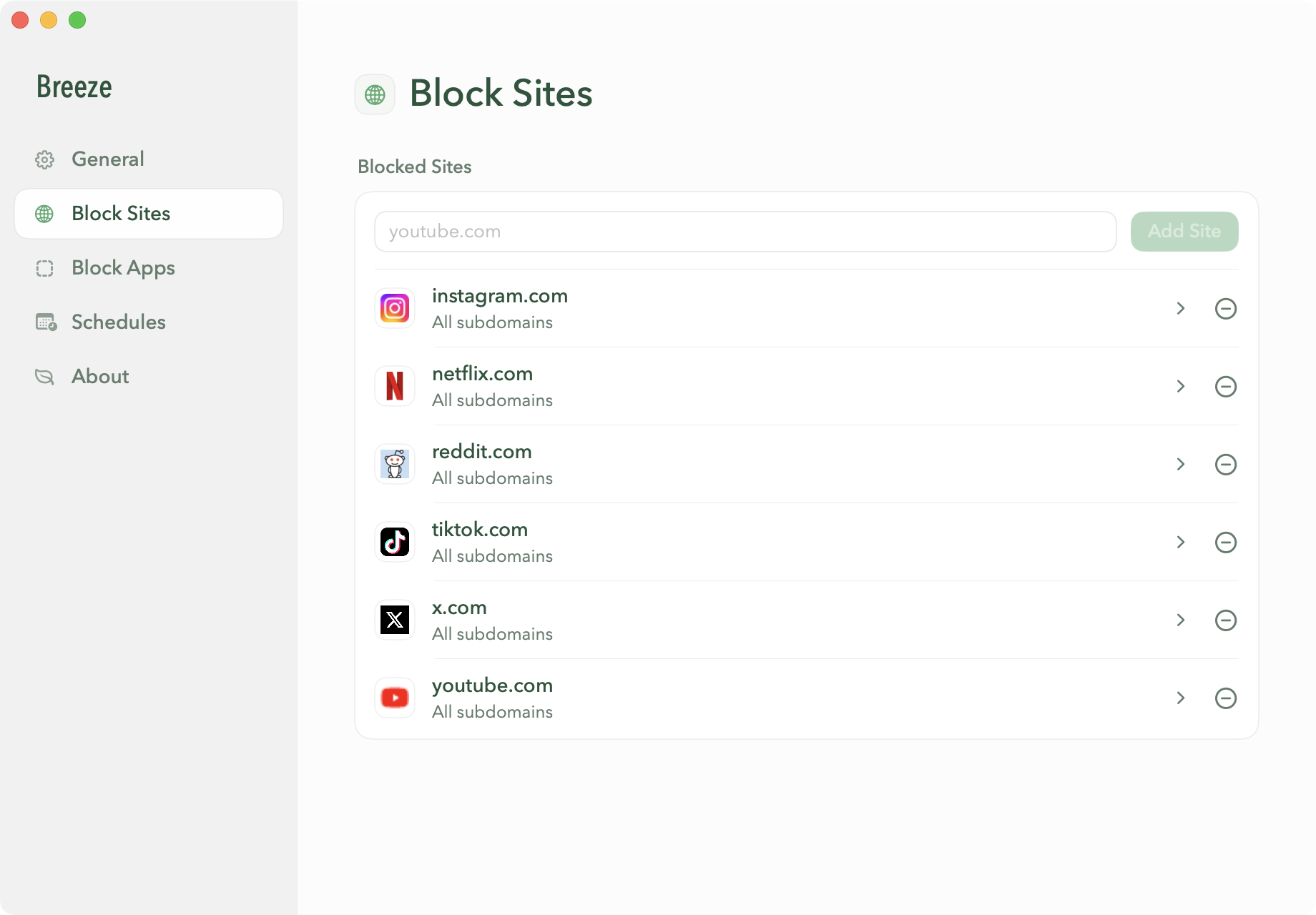
Block sites
Add youtube.com once. Breeze closes it in Safari, Chrome and Arc every time it sneaks back.
Block apps
Pick the apps that pull you away. While you're locked in, they quit the moment they open.
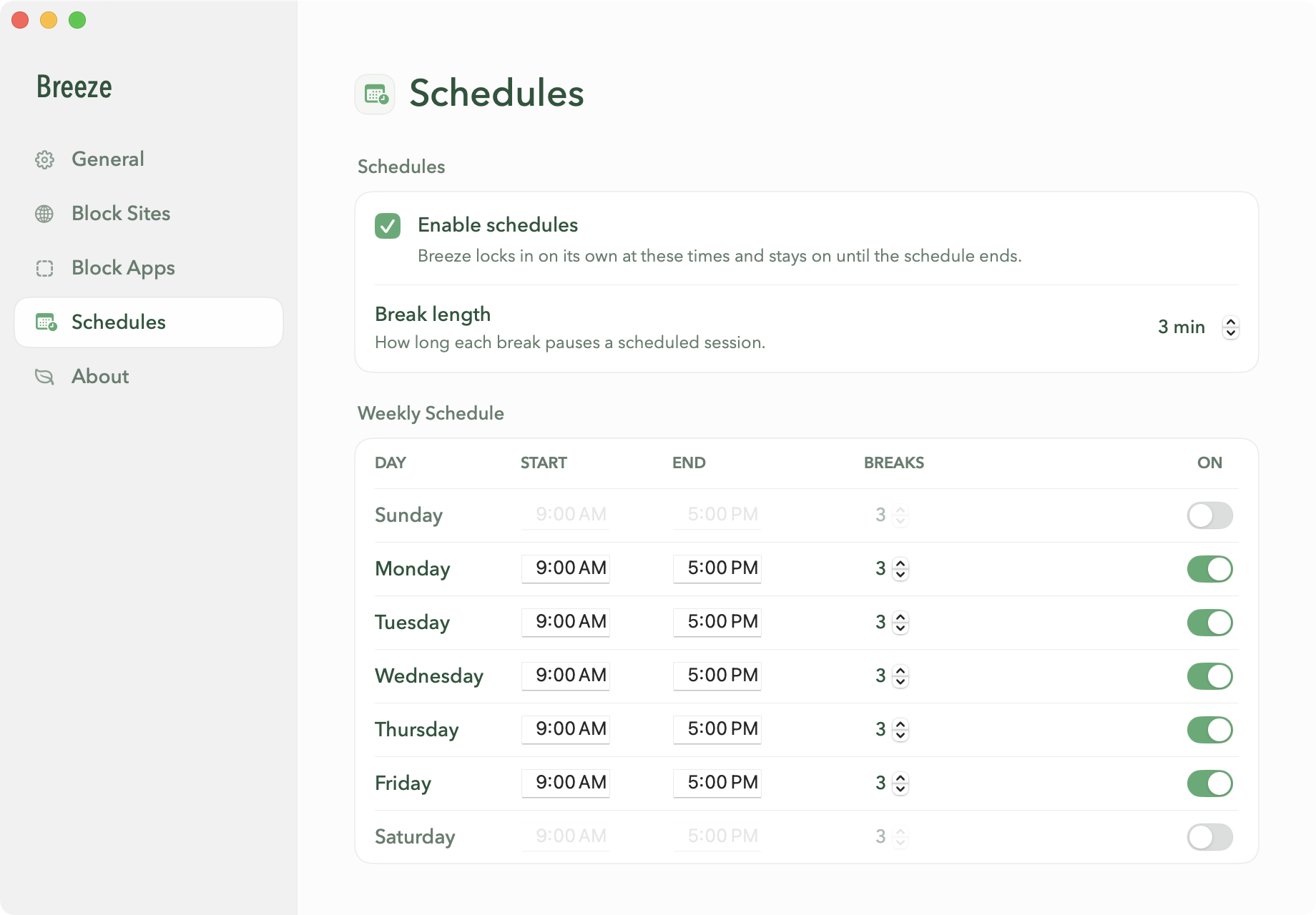
Schedules
Set your hours once. Breeze locks in on its own and holds until the schedule ends.
Breaks that end on time
Take a few short breaks a day. A gentle countdown shows up in the last minute, then it's back to work.
No backing out
While you're locked in, your list only grows. Nothing comes off until the session is over.
Focus Mode
Start with a clean slate. Your open tabs are saved and closed, ready to bring back when you're done.
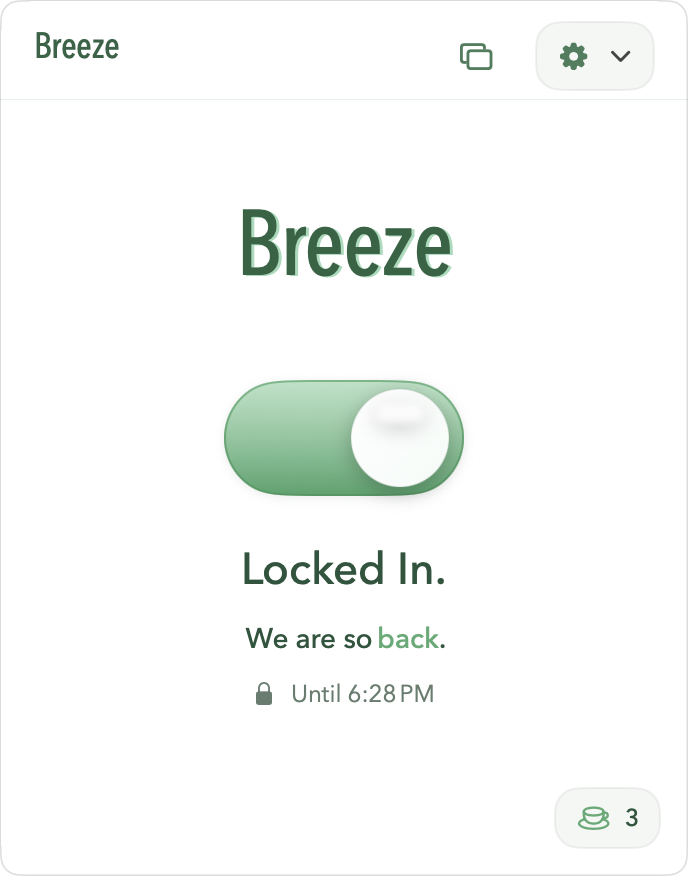
One switch. That's the app.
Click the cloud in your menu bar and flip it. You'll see how long your schedule holds and how many breaks you have left.
Your usual suspects, gone.
Type a site, and Breeze blocks it with every subdomain. Allow just the parts you need, like music.youtube.com.
Focus that shows up on time.
Pick your days, hours and breaks. When the time comes, Breeze locks in by itself and stays locked until the schedule ends.